Talk to Copilot from your terminal.
Build the next level up.
A self-service course for the business side of Microsoft partner work. Account managers, sellers, delivery managers, marketing, business development, engagement managers, and their leaders. If you work with Microsoft customers every day, this is for you. Adapted from GitHub's Copilot CLI for Beginners.
What you'll learn
Each lesson maps to a concrete partner-work scenario you can run the same week.
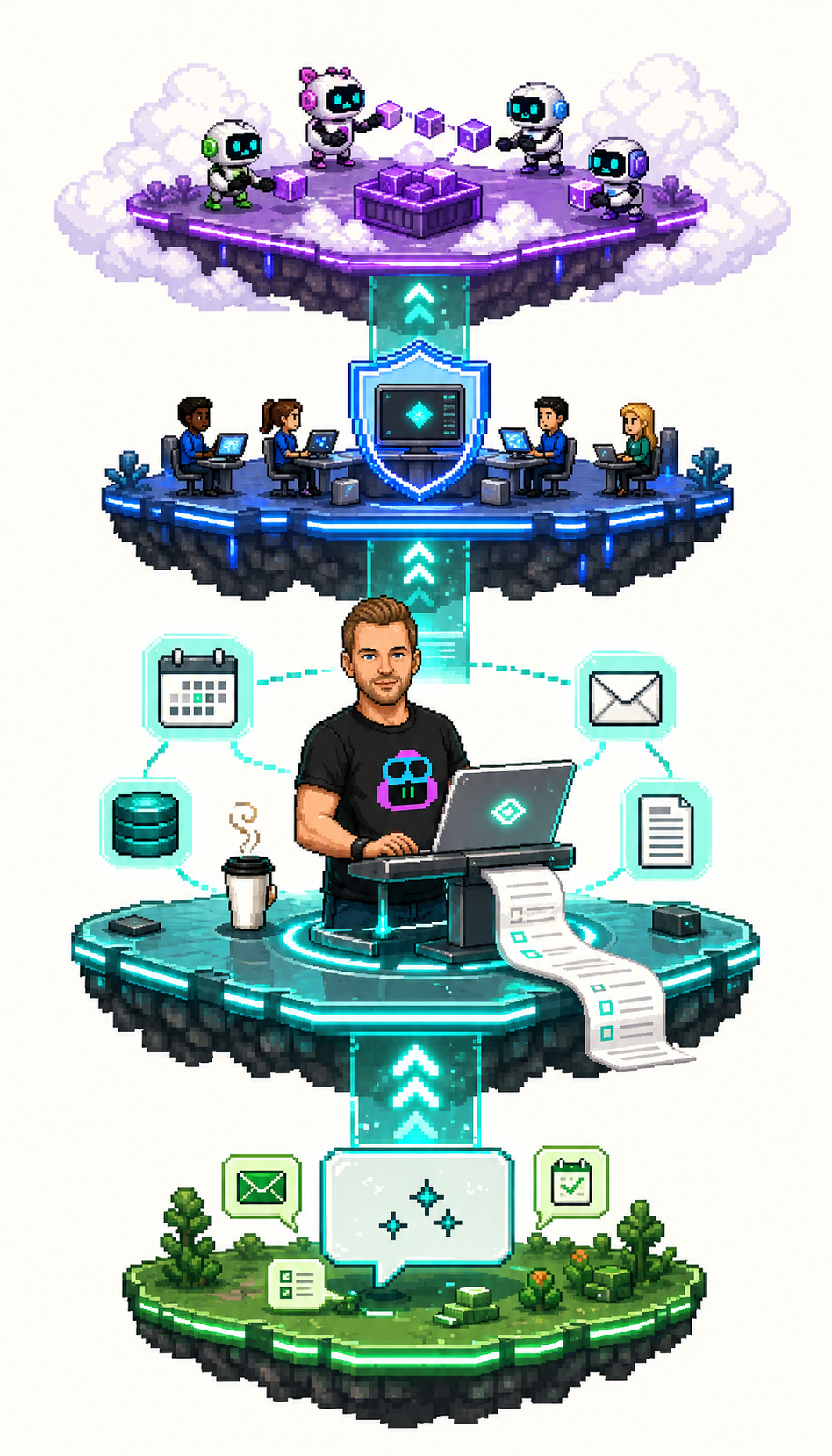
Talk-to-it interaction
Drive Copilot from a terminal. Summarize, rewrite, draft. Without leaving the keyboard.
Files as context
Drop an RFP, a customer deck, a transcript. Get structured insight back. No more 12-page skim.
MCP power-ups
Connect M365, GitHub, your filesystem. Pull from your inbox, calendar, and document library. In natural language.
Real partner scenarios
Customer briefings, RFP triage, deal narratives, pre-call prep, post-meeting recaps. The work you already do, faster.
Before you start
Three things. Most of you already have one.
- A laptop running Windows 10/11. Mac and Linux work. Examples are Windows.
- A personal GitHub account. Free. Sign up at github.com/signup if you don't have one.
- GitHub Copilot Free on that account. Activated in a couple of clicks. The Setup guide walks you through every step.
No coding experience needed. If you can install software and follow numbered steps, you're set.
Locked-down laptop? Skip the install entirely and run Copilot CLI in your browser via GitHub Codespaces instead. Free, no IT ticket, same course.
The lessons
Run them in order. Each one assumes the previous is done.
Why CLI for partner work
Decide if this is for you. Understand "talk-to-it" vs M365 Copilot.
Your first conversations
Summarize, rewrite, draft. Without leaving the terminal.
Drop a file in, get insight out
Analyze RFPs, customer decks, transcripts, and proposal docs.
MCP power-ups: GitHub, M365, and more
Pull from your inbox, calendar, repos, and document library. The productivity unlock.
If you get stuck
- Re-read the setup guide. The most common issues are setup issues.
- Open the troubleshooting reference for known fixes.
- Open an issue at github.com/JW-Sthlm/ai-operator-intro/issues.
How this differs from the GitHub original
The GitHub original is excellent. It is built for software developers working on a Python book app. This version:
- Uses partner-consultancy scenarios throughout: customer briefings, RFP triage, deal narratives, pipeline analysis.
- Assumes no coding background. If you can write an email, you can do this.
- Tunes the MCP examples for tools partner consultants actually live in (M365, GitHub, filesystem).
- Calls out data boundaries (customer NDA, confidential proposals) explicitly.
- Stops at the value plateau. Four lessons. No deep dive into building your own agents in v1.
The source course is referenced where it goes deeper than we need to.
Go deeper
The full Copilot CLI deep-dive on Learning Hub
When you're done with the four lessons here and want more, GitHub's Copilot CLI for Beginners on Learning Hub is the next step. Eight chapters, around two hours, leans developer but the patterns transfer. Free.
Open Learning Hub →