1 / -
navigate
SLIDE 01 / 32
AI Business Solutions

Frontier Application Consultancy

Giel Cuijpers & Marvin Heilemann
Enterprise Partner Solution Architects
SLIDE 02 / 32

Agenda

  • Frontier Firms & Agentic CRM/ERP
  • Becoming an AI-first implementation partner
  • Vibe Configuration with Dynamics 365
SLIDE 03 / 32

The challenge facing our partner ecosystem

Traditional partner delivery, across cloud platform, business apps and security, is too slow, too costly, and too dependent on scarce expertise.

17 mo
Average ERP implementation
Long, costly engagements with uncertain outcomes erode customer trust and ROI.
30–40%
Higher cost than necessary
Traditional migration & modernization workloads carry avoidable cost. Paid by your customer.
AI-First Delivery
The new partner playbook
Agents, MCP and Copilot reshape how implementations are scoped, built and run. Partners that adopt early set the pace.
What partners are telling us
Shortage of skilled consultants. Pressure to reduce repetitive delivery work.
Customers expect agentic capabilities to extend M365 Copilot into Line of Business.
Key user education and adoption remain the biggest risk to go-live.
Partner skillset must evolve for the AI era, or risk being out-paced.
SLIDE 04 / 32

Your Best People Deserve Better Than Boring Work

On a typical D365 implementation, 25% of expert time disappears into tasks that AI + MCP can handle.

📅 Today. Where your team’s time actually goes
Strategic 35%
Delivery 40%
Boring Work 25%
With AI + MCP. Where your team’s time should go
Strategic 45% ▲ +10%
Delivery 50% ▲ +10%
5%
AI + MCP handles this GitHub Copilot · D365 ERP/Dataverse MCP · ADO MCP Server · Copilot Studio

On a 10-person D365 team, 25% boring work = 2.5 FTEs spending their day on tasks AI can do. With Azure DevOps MCP, D365 MCP & GitHub Copilot, that time flows back to what your consultants love.

~12% of total project effort reclaimed per engagement
SLIDE 05 / 32

The Opportunity to decrease implementation cost and time

Traditional LoB implementations are lengthy, costly, and can be risky.

Customer TCO
Traditional implementation cost and timeline 17 months1(ERP example)
+ Accelerated implementation cost and timeline
  • 20–30% timeline acceleration in migrating / modernizing workloads2
  • 30–40% lower cost of migration and modernization of workloads2
  1. International Research Journal of Engineering and Technology, “The Future of ERP Integrations: A Look at Emerging Technologies” – 2024
  2. McKinsey, “In search of cloud value: Can generative AI transform cloud ROI?” – 2023
SLIDE 06 / 32

How to become an AI-first implementation partner

SLIDE 07 / 32

How do I organize my practice?

The five drivers of AI value, anchored on one shared goal: Frontier Transformation.

01

Business Strategy

The alignment of AI investments with strategic business outcomes and measurable impact.

02

Technology & Data Strategy

The data and infrastructure needed to run AI solutions at scale, securely and reliably.

03

AI Strategy & Experience

The organization’s AI expertise and repeatable processes to create sustainable value.

04

Organization & Culture

The vision, operating model, skills, resources, and culture to drive AI adoption.

05

AI Governance & Security

The controls and processes to ensure secure, compliant and responsible AI.

SLIDE 08 / 32

Evolution of business applications

Three layers of every business application are being rewritten at the same time.

Surface
Apps as UI
Copilot as UI
Logic
Workflows
Agents
Substrate
Data
Knowledge
SLIDE 09 / 32

Frontier Consultancy|Approach

Taking an AI-first approach to partner delivery revolves around a data-driven approach using Clients, Tools and Knowledge.

Scenarios below are potential use cases,
not productized capabilities.
🤝 Pre-Sales
🚗 Delivery (Success By Design)
Pre-Sales
RFP agent
Draft RFP / RFI responses
Personalized customer demo
Based on customer data & public info
Fit gap analysis
Match customer processes with Process Repository
↗️
Initiate
Get ready to start
Customer Kickoff
Including Copilot training
Solution Blueprint
Draft, review, evaluate
Task initiation
Populate DevOps from Blueprint
🛠️
Implement
Design → Build
Generate FDD, TDD, IDD
Using workshops & ADO as input
AI-assisted coding
AI-assisted configuration
Using knowledge and MCP
Test plan
With evals defined
Configuration documentation
Generated from application
👥
Prepare
Deploy
Data migration
Using Fabric IQ and MCP
Training documentation
Generated from application
Go-Live
Planning & readiness assessment
⚙️
Operate
Live
Ops measurement
Agent that measures batch actions and transactions
Tools | MCP servers
Knowledge | Work IQ · Fabric IQ · Foundry IQ
Clients | M365 Copilot · GHCP · Copilot Studio
SLIDE 10 / 32

Bring work context into your apps and agents with Work IQ

Work IQ stitches productivity data and external systems into a single work-context layer that powers every Copilot surface.

Sources
Microsoft 365 Productivity data
Copilot Connectors External systems
Work IQ Work context Reasoning over your work, ready to be queried by any Copilot client.
Microsoft 365 Copilot
VS Code & GitHub Copilot
Custom GenAI Solution
SLIDE 11 / 32

MCP standardizes how AI agents discover and use enterprise tools and data

  • MCP standardizes how AI agents discover and use enterprise tools and data
  • Browser automation
  • Data and File Stores
  • Model Context Protocol (MCP)
  • Code Editors
  • Developer Tools GitHub, Playwright, Azure
  • Applications
  • Productivity Tools
  • M365, Teams
SLIDE 12 / 32

Azure DevOps MCP

Can I use the Azure DevOps MCP within Copilot Studio agents?

Yes, but with a caveat. Copilot Studio requires an HTTP/SSE-based remote MCP server, not a local stdio one. Microsoft recently released the Azure DevOps Remote MCP Server in public preview. This is exactly what you connect to Copilot Studio.

The local npx @azure-devops/mcp version used in VS Code cannot be directly connected to Copilot Studio. Use the remote HTTP/SSE endpoint for all agent platforms outside the IDE.

  1. 1Onboard to the Azure DevOps Remote MCP Server → learn.microsoft.com/azure/devops/mcp-server/remote-mcp-server
  2. 2In Copilot Studio, navigate to Tools → Add a tool → Model Context Protocol
  3. 3Point the agent at the remote ADO MCP endpoint and sign in with your Azure DevOps organization credentials
  4. 4Scope tool access with domains (work-items, pipelines…) to keep the agent focused and avoid tool overload
Can I do mass / bulk upload of user stories & requirements (e.g. based on the Business Process Catalog)?
mcp_ado_wit_add_child_work_items

Creates multiple child items in one call under a parent work item; e.g. create 10 User Stories under Feature #123, each with title, description, story points & iteration path.

mcp_ado_wit_update_work_items_batch

Updates multiple existing items in batch. Reassign owners, change priority, move to sprint, update state. All in a single operation.

mcp_ado_wit_create_work_item

Creates any work item type (Epic, Feature, Story, Task, Bug) with full field support including Markdown description via the format parameter.

SLIDE 13 / 32

Empower Project Teams to Reshape DevOps Delivery

The Azure DevOps MCP Server enables a two-step process: data retrieval and AI analysis.

Data Retrieval Options

Azure DevOps MCP Server gives your AI assistant secure, real-time access to client project data in Azure DevOps.

  • Projects & Teams Organization structure, team membership, areas & iterations. Instantly understand any client environment.
  • Work Items Assigned tasks, bugs, user stories, epics. With states, priorities, blockers & sprint assignments.
  • Pull Requests Code review status, pending reviewers, linked work items & change scope (+/− lines).
  • Build & Pipelines CI/CD run history, test results, deployment stages & failure diagnostics.
  • Test Plans Test cases, execution results & coverage data. Surface quality risks before client demos.
AI Analysis Options

Your AI assistant processes the retrieved project data to deliver client-ready insights your project team previously spent hours compiling.

  • Sprint & Project Health On Track At Risk Blocked
    Instant sprint health summary with velocity, burndown & bottleneck analysis. Ready for client status calls in seconds.
  • Risk Identification Surfaces stale PRs, flaky pipelines, blocked work items & incomplete test coverage before they escalate. Proactive risk reporting for every engagement.
  • Context-aware Summaries Generates standup notes, sprint reviews & client handover reports that understand your team’s terminology, process & backlog history. Cuts context switching.
  • Actionable Recommendations “Follow up with Integration Team on Feature #4423 (blocked 5 days)” Natural language answers that recommend concrete next steps. No more navigating through ADO portals.
SLIDE 14 / 32

What is Dynamics 365 Agentic CRM?

A layered architecture where CRM solutions, headless business services and a CRM agent foundation come together behind one Copilot-driven experience.

01
Copilot adaptive experience A single conversational surface that reshapes itself for every role and task.
02
Extensibility · Industry verticals Partner-built extensions and vertical accelerators that ride on the same fabric.
03
Headless business services Actions and data tools, powered by the Model Context Protocol (MCP).
04
Dynamics 365 CRM solutions Sales, Customer Service, Field Service, Marketing and Customer Insights working as one composable suite.
05
CRM agent foundation Shared models, governance and runtime that every CRM agent inherits.
SLIDE 15 / 32

Dataverse MCP Server Tools

  • DYNAMICS 365  •  DATAVERSE
  • SCHEMA TOOLS
  • Find entities, get entity metadata, fields, and relationships
  • Create / delete entities, fields (all types), option sets, and relationships
  • Create alternate keys and many-to-many relationships
  • DATA TOOLS
  • Execute SQL SELECT queries against
  • Dataverse TDS endpoint
  • Run INSERT / UPDATE / DELETE SQL
  • Commands and manage option set value  mappings
SLIDE 16 / 32
DYNAMICS 365 · DATAVERSE

CRM MCP Server Tools

Six tool categories that let an agent operate Dynamics 365 customer engagement & Dataverse directly. From schema design to plugins, navigation and process flows.

SCHEMA TOOLS
  • Find entities. Get entity metadata, fields and relationships
  • Create or delete entities, fields, option sets and relationships
  • Create alternate keys and many-to-many relationships
DATA TOOLS
  • Execute SQL SELECT against the Dataverse TDS endpoint
  • Run INSERT, UPDATE and DELETE in SQL
  • Manage option set value mappings
  • Bulk import and export records by FetchXML
FORM & UI TOOLS
  • Get and create forms. Add or remove tabs and sections
  • Add or remove fields, subgrids and web resource controls
  • Validate web pages rendered inside model-driven apps
APP & NAVI TOOLS
  • List, create and configure App Modules with sitemap
  • Add entities and web resources to app navigation
  • Create, list and delete ribbon buttons with JS handlers
  • Publish web resources (JS, HTML, CSS, SVG, RESX, images)
PLUGIN TOOLS
  • Compile, deploy and manage plugin assemblies and packages
  • Register or unregister plugin types and pipeline steps
  • Add pre-image and post-image to plugin steps
PROCESS & API TOOLS
  • Create, update and activate Business Process Flows
  • Register Custom APIs with request and response parameters
  • Unregister Custom APIs. Execute Dataverse HTTP actions
SLIDE 17 / 32

Custom CRM MCP Server – Build Effort Estimate

DYNAMICS 365 · DATAVERSE · .NET
Schema tools
~6 tools
Simple Dataverse metadata API calls
Data tools
~5 tools
SQL passthrough + Web API proxy calls
Form & UI tools
~8 tools
Read/write system form, web resource tables
App & Navi tools
~6 tools
Sitemap XML manipulation + publishing
Plugin tools
~6 tools
Assembly upload via base64, step registration
Process & API tools
~5 tools
BPF workflow activation + Custom API reg.
Security tools
~4 tools
Role assignment via standard SDK calls
~40 tools across 7 categories · 2–4 days with .NET + Dataverse SDK .NET 8 + ModelContextProtocol SDK · Dataverse.Client · Azure AD OAuth 2.0 · Stdio or HTTP/SSE · VS Code mcp.json
SLIDE 18 / 32

CRM Vibe Configuration Tactics

  • Use a copilot-instructions.md file. An example can be found here: Reference workspace files.
  • When adding files, use folders to make referencing groups of documents easier.
  • Build specialized skills (see below) to do the work. For instance a Dynamics Services Configuration skill.
  • Ensure proper security setup to limit the options available in CRM. This decreases the tool options the LLM has to reason over.
  • It is possible to use multiple MCP connections at the same time. Great for comparing configurations between legal entitities or environments. Do create separate Workspaces to avoid connection mix ups.
  • About agent skills – GitHub Docs
SLIDE 19 / 32

What is Dynamics 365 Agentic ERP?

A layered architecture where ERP solutions, headless business services and a ERP agent foundation come together behind one Copilot-driven experience.

01
Copilot adaptive experience A single conversational surface that reshapes itself for every role and task.
02
Extensibility · Industry verticals Partner-built extensions and vertical accelerators that ride on the same fabric.
03
Headless business services Actions and data tools, powered by the Model Context Protocol (MCP).
04
Dynamics 365 ERP solutions Finance, Supply Chain, Project Operations, Commerce and Human Resources working as one composable suite.
05
ERP agent foundation Shared models, governance and runtime that every ERP agent inherits.
SLIDE 20 / 32

Multiple Dynamics 365 ERP MCP servers

  • ERP Client MCP
  • Dataverse MCP
  • ERP Analytics MCP
  • Work directly with backend data to update tables and validate records at the source
  • Act through the UI & Data Entities to trigger business logic and follow standardized processes
  • Tap into pre-structured analytical data to uncover insights and measure performance trends
    • More tools, smarter agents, better outcomes
SLIDE 21 / 32
ERP MCP SERVER · SCALE
500,000+
ERP AI actions

An agent can do almost anything a person can do in ERP.

Every function a Dynamics 365 user can perform is now exposed to an agent through Microsoft’s ERP MCP server. This is the unlock that turns Agentic ERP from a roadmap slide into something that ships.
SLIDE 22 / 32

ERP MCP Server Tools

  • Data tools
  • Name format data_*
  • Find data entities and get entity meta data. Also custom data entities.
  • Perform CRUD operations
  • Form tools
  • Name format form_*
  • Find menu items. Also custom menu items.
  • Manipulate forms (open form, sort, filter, perform lookups, select rows, set control values, save, close)
  • Action tools
  • Name format api_*
  • Find and invoke actions
  • Can be extended: Create AI plugins for copilots with finance and operations business logic (preview) - Finance & Operations | Dynamics 365 | Microsoft Learn
SLIDE 23 / 32

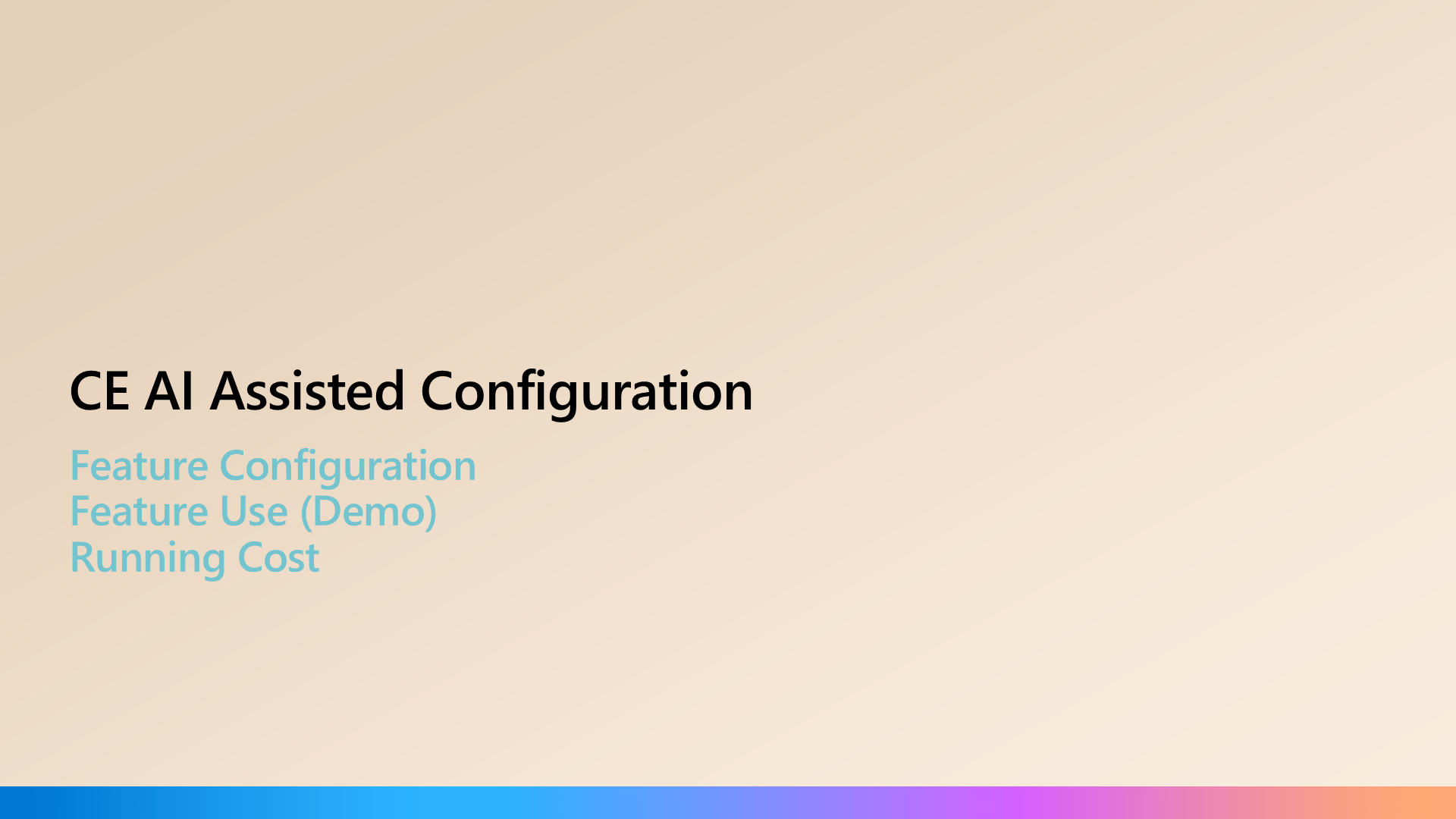
CE AI Assisted Configuration

CE AI Assisted Configuration
Video placeholder

CE AI-assisted configuration demo. The PPTX shows a screenshot. Replace with a hosted video link before public sync.
SLIDE 24 / 32

CE AI Assisted Configuration Advised Setup and Cost

  • Setup
  • Use VS Code and Github Copilot Pro (or better).
  • D365 Premium license, or M365 Copilot license, or Copilot Studio Credits setup (see Running Costs below)
  • Install Python library (required when working with Excel files).
  • Select a model with good MCP capability. Currently advised are Anthropic models Sonnet & Opus.
  • Dataverse MCP Server configuration: Connect to the Dataverse MCP server by using Visual Studio Code
  • Allow GitHub Copilot MCP client in your Power Platform environment
  • MS Learn MCP Server configuration: Microsoft Learn MCP Server overview
  • Running Costs
  • For a user working with VS Code + local stdio MCP server + a Dynamics 365 or Power Apps per-user license: The only incremental cost is the GitHub Copilot subscription. The Dataverse API calls are well within the 40k/day entitlement for a normal user.
  • Official documentation
  • MCP Server Licensing, Copilot Studio licensing, Copilot Studio Billing rates and management
SLIDE 25 / 32

Slide 29

Slide 29
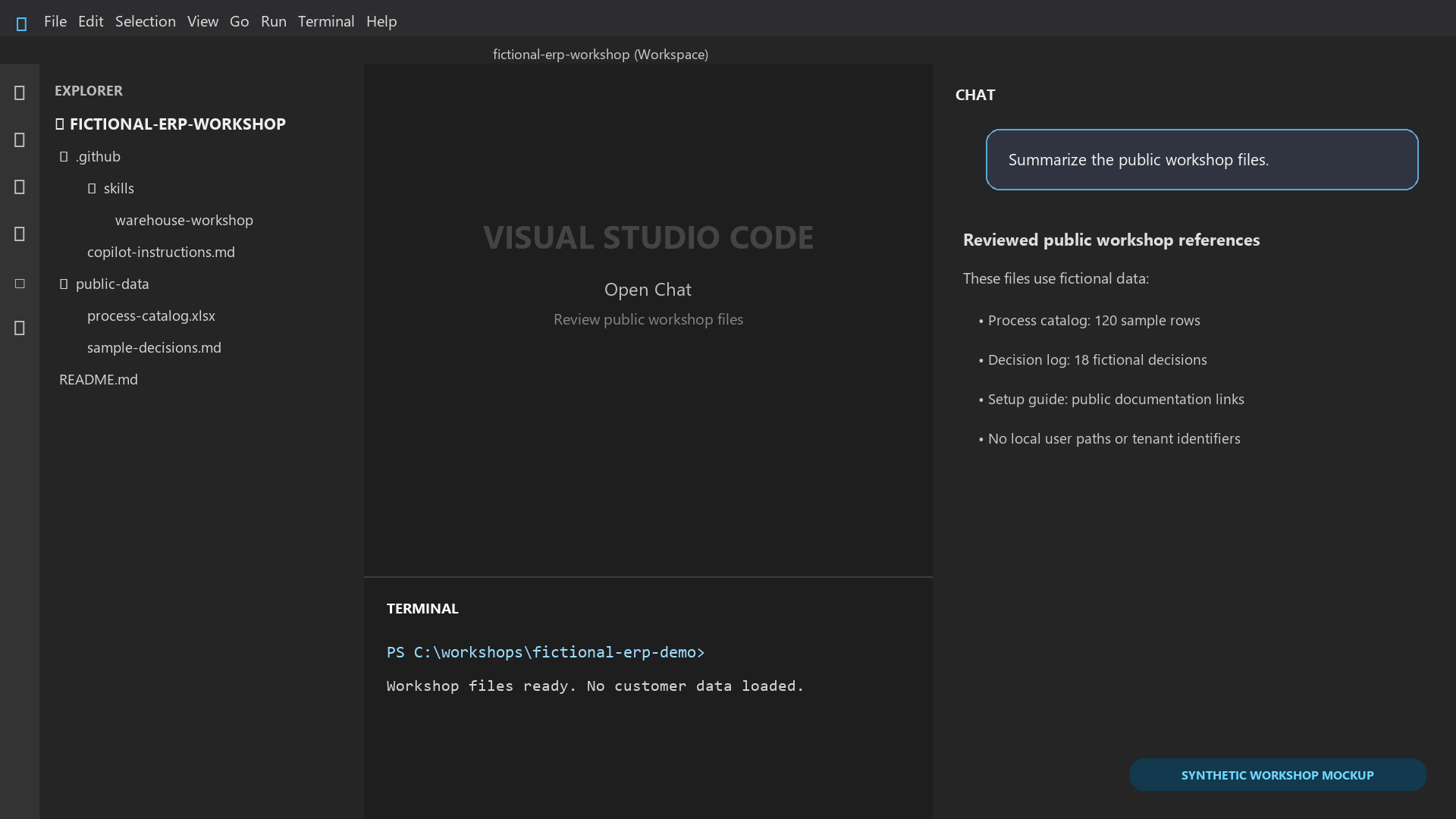
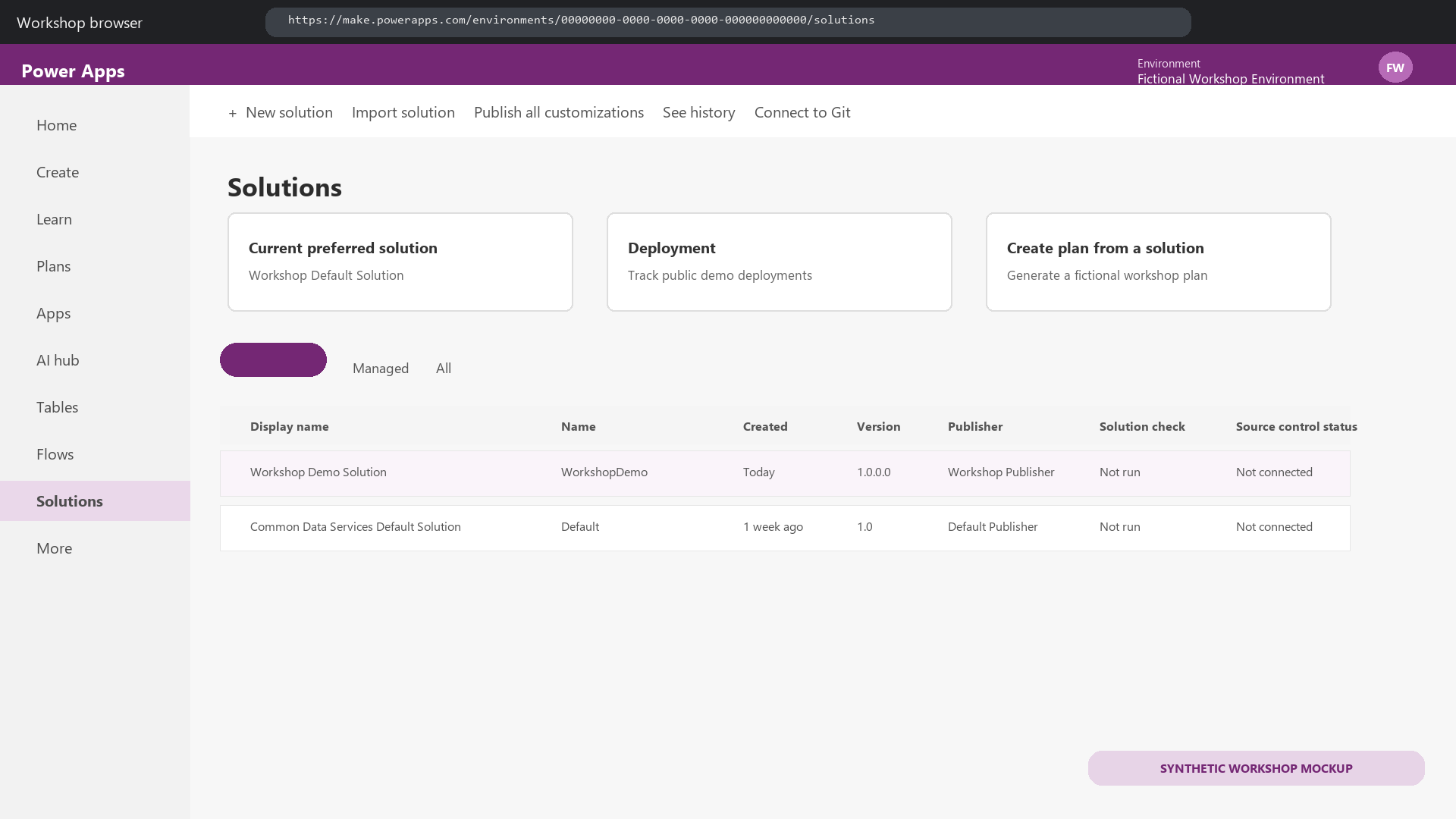
Video placeholder

CE AI-assisted configuration demo (~174 MB embedded video). Replace with a hosted video link before public sync.
SLIDE 26 / 32

F&O AI Assisted Configuration

  • Feature Configuration
  • Feature Use (Demo)
  • Running Cost
SLIDE 27 / 32

F&O AI Assisted Configuration Advised Setup and Cost

F&O AI Assisted Configuration Advised Setup and Cost
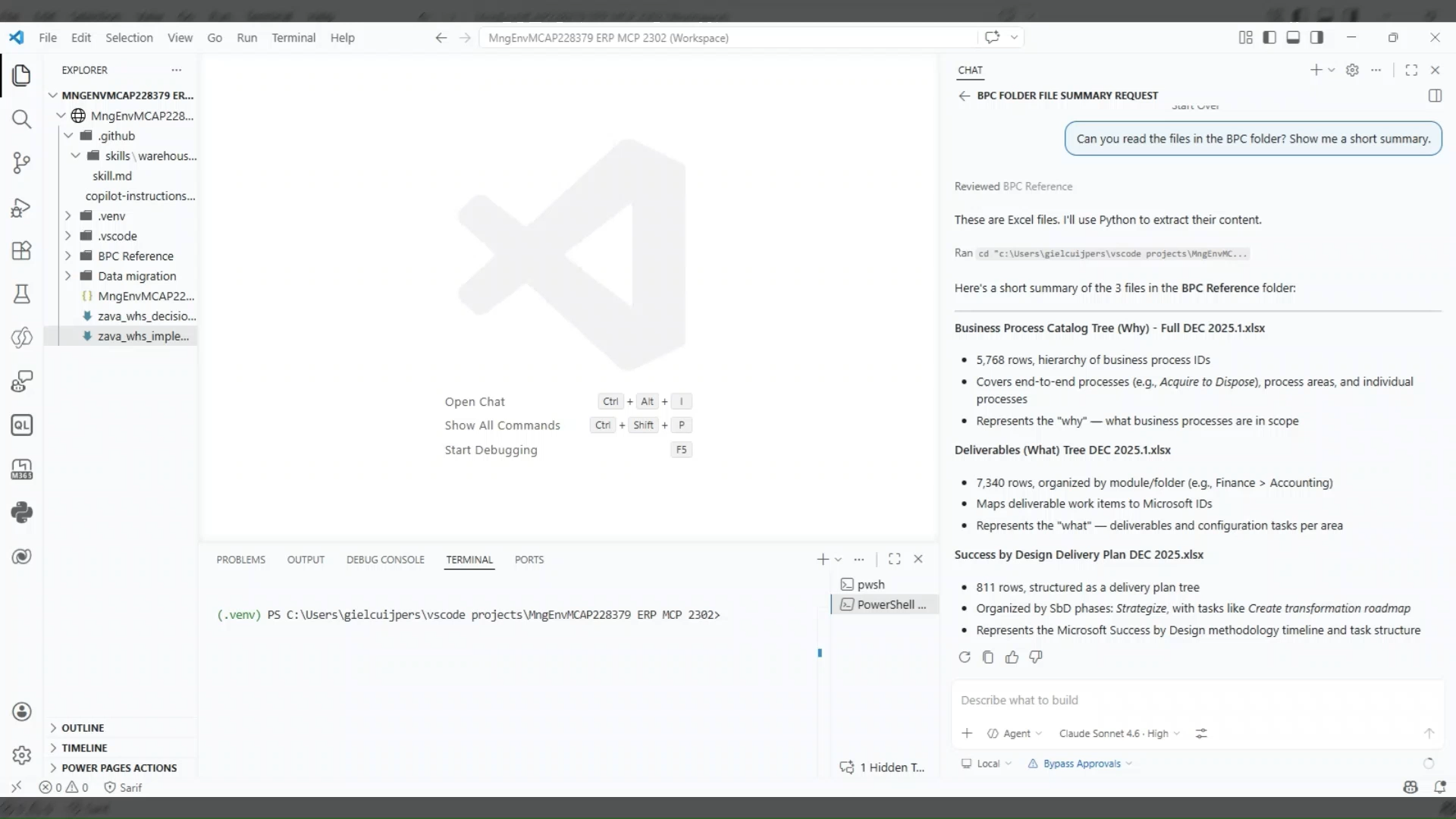
Video placeholder

F&O AI-assisted configuration demo. The PPTX shows a screenshot. Replace with a hosted video link before public sync.

SLIDE 28 / 32
DEMO SCENARIO · F&O WAREHOUSE

Zava DIY Warehouse Implementation

A simplified warehouse layout used in the F&O AI-assisted configuration demo. Goods flow from inbound on the left, through storage and picking in the centre, to outbound on the right.
Reception
Production access
Z2.1
Z2.2
Z2.3
Zone group 2
Z1.1
Z1.2
Z1.3
Zone group 1
Bulk & PickingRack · Level · Bin
Picking (fixed locations)
Packing
Staging bay
Bin location coordinates
F1Aisle
14Row
2Level
3Bin
SLIDE 29 / 32

Demo video

Demo video
Video placeholder

Finance and Operations demo (~153 MB embedded video). Replace with a hosted video link before public sync.

SLIDE 30 / 32

F&O Vibe Configuration Tactics

  • Use a copilot-instructions.md file. An example can be found here: Reference workspace files.
  • When adding files, use folders to make referencing groups of documents easier.
  • Build specialized skills (see below) to do the work. For instance an Accounts Payable Configuration skill.
  • Ensure proper security setup to limit the options available in ERP. This decreases the tool options the LLM has to reason over.
  • It is possible to use multiple MCP connections at the same time. Great for comparing configurations between legal entitities or environments. Do create separate Workspaces to avoid connection mix ups.
  • About agent skills – GitHub Docs
SLIDE 31 / 32

Next steps

SLIDE 32 / 32

Closing